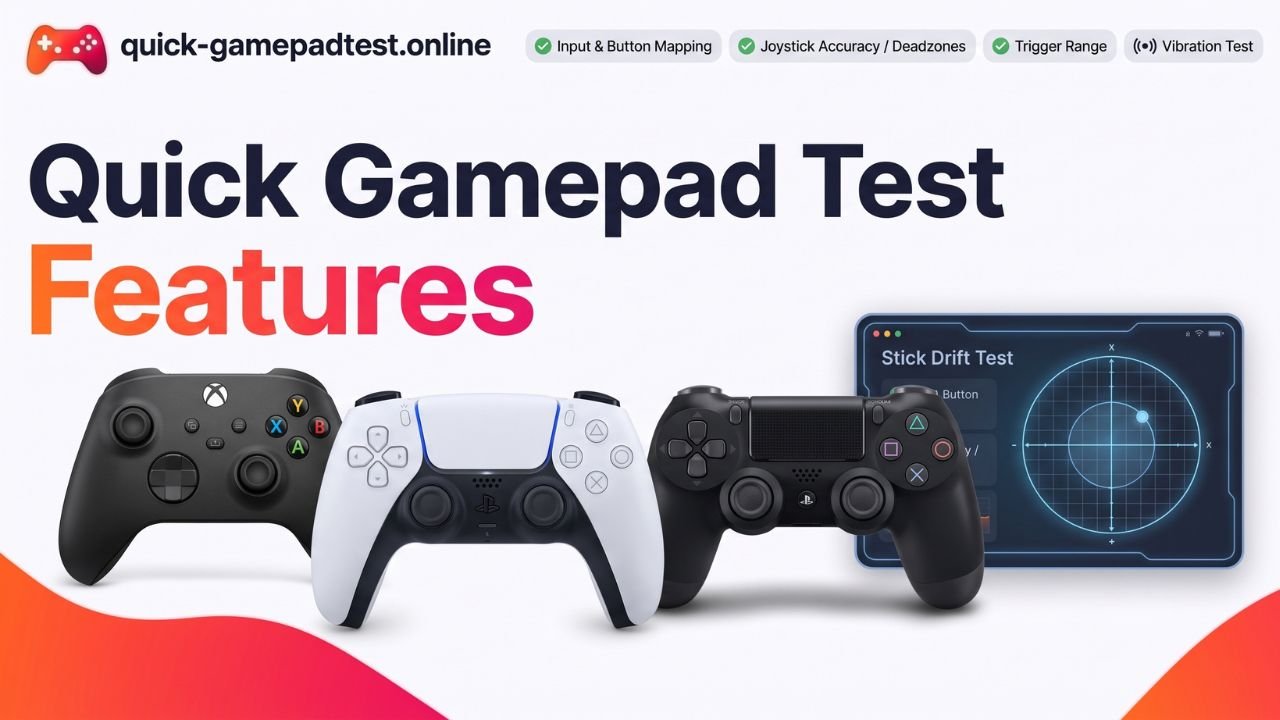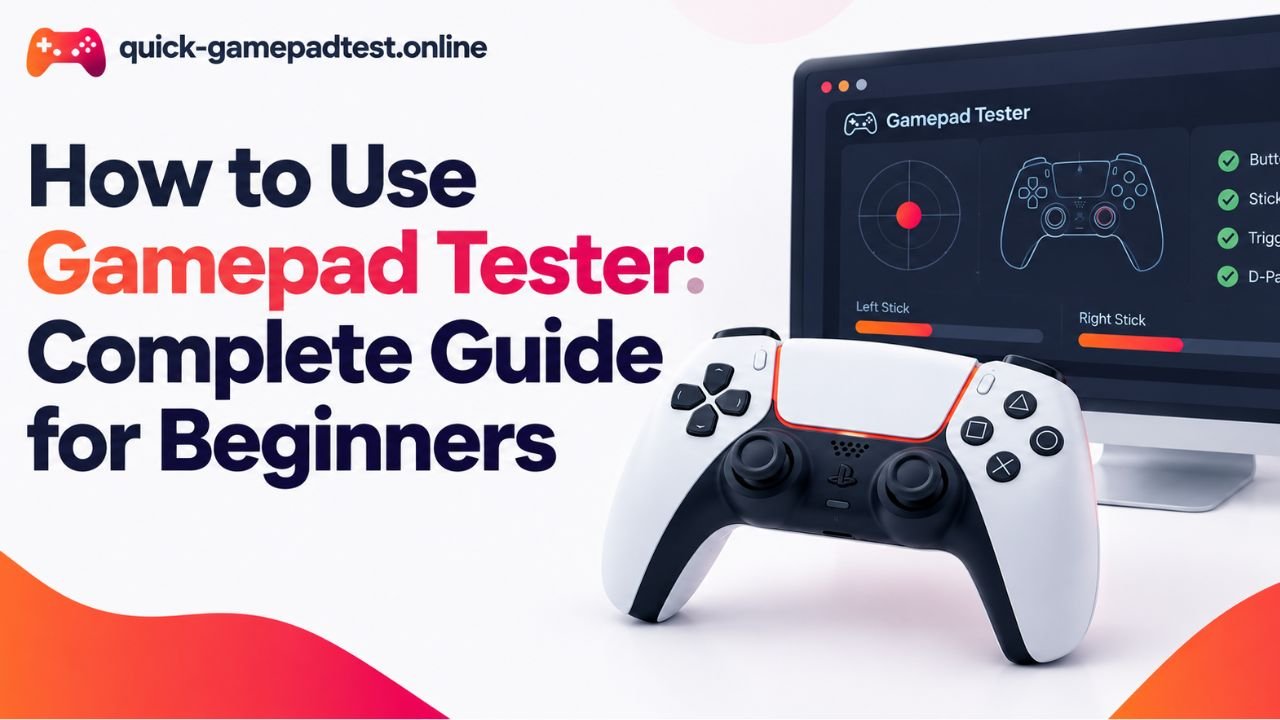

Quick Gamepad Test is a free online gamepad tester that runs in your browser. It helps players, buyers, and developers check a controller without installing anything. The page reads your input live and shows every press on screen. It checks buttons, triggers, analog sticks, vibration, and calibration. It also works as a drift tester for sticks that move on their own. Xbox and PS5 controllers connect by USB or Bluetooth.
What Is Quick Gamepad Test and How Does It Work?
A Free Online Gamepad Tester That Runs in Your Browser
Quick Gamepad Test is a free gamepad tester online with no download required. A visitor opens the page, connects a controller, and presses any button. The page then wakes up and draws the controller on screen. Everything happens directly in your browser, so there is nothing to set up on your PC.
How the Controller Tester Reads Your Input
The tool relies on the HTML5 Gamepad API that modern browsers already include. This API lets a web page read button presses and stick positions from a connected controller, as the web.dev guide to the Gamepad API explains. That guide also describes Gamepad API support as strong across desktop and mobile. When the browser spots a standard gamepad, it passes raw controller data to the page. Quick Gamepad Test turns those numbers into a clear live view. Each button lights up when pressed and each stick shows its exact position. MDN notes that the Gamepad interface works only in secure contexts, so the page loads over HTTPS.
Who Is This Controller Tester For?
Players Buying or Selling a Used Controller
A used controller can hide faults that a quick look will never reveal. A new controller deserves a quick check too. The test shows whether every button responds and whether the triggers press all the way down. It also shows whether the sticks rest at the center. Sellers can run the same test to prove the pad works before a sale.
Gamers Who Need to Troubleshoot a Controller
Missed inputs, a character that walks alone, or a rumble that never fires often point to a hardware fault. Instead of guessing inside a game, a player can run a simple controller diagnostic on a clean test page. If the tester shows the fault, the game is probably not the cause.
Developers and Emulator Users
Developers use the page to check raw input and stick positions before they write code. Emulator users confirm that a controller reports the right buttons before they map them. Anyone into PC gaming who launches apps like Steam Big Picture can also confirm that the system sees the pad first.
What Can You Test With This Gamepad Tester?
Full Controller Test for Buttons and Triggers
This test covers face buttons, bumpers, the D-pad, stick clicks, and both triggers. Players can check buttons one by one because each one lights up the moment it is pressed. Trigger bars fill step by step, so a trigger that jumps or stalls is easy to spot. The tester reads trigger travel as a value, so it does not replace the adaptive trigger settings on a console.
Joystick Test and Stick Drift Check
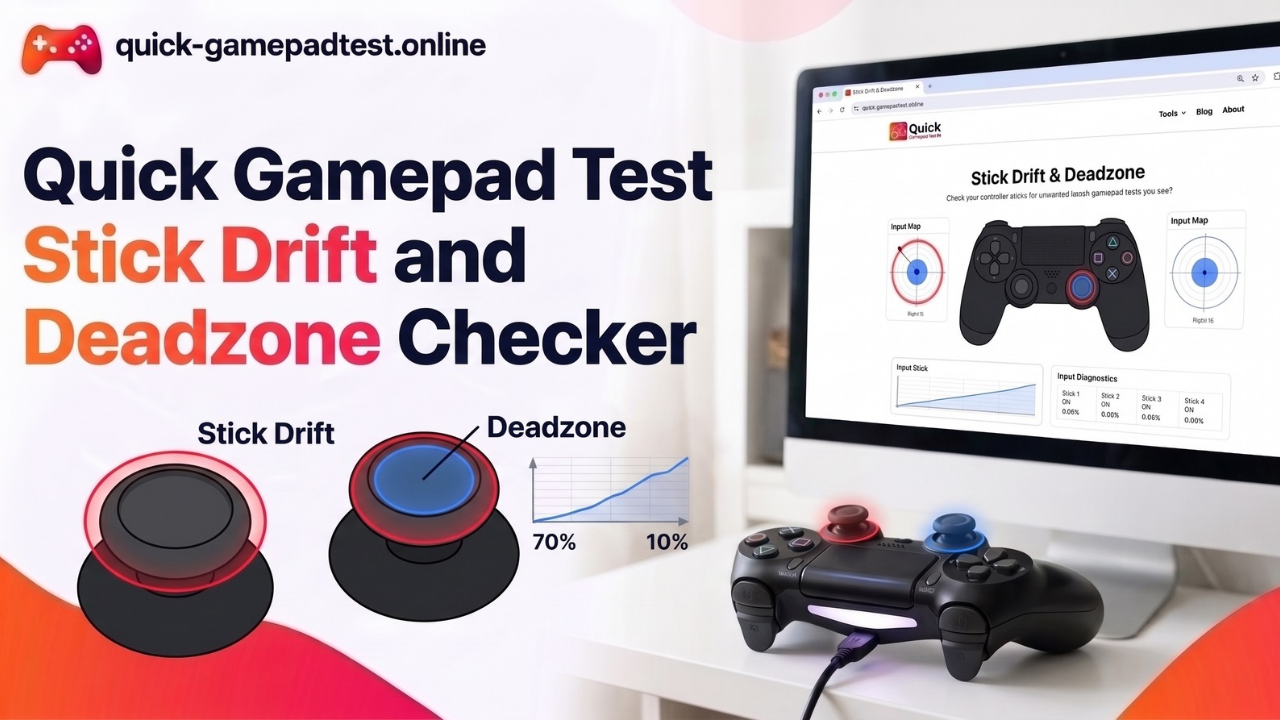
Drift happens when a stick reports movement while nobody touches it. It is common. A YouGov survey of 919 UK adults for the consumer group Which? found that 40% of Switch owners had experienced Joy-Con drift, and 57% of them said it began within the first year. Rocio Concha, Which? director of policy, said that drift problems continue to plague Nintendo Switch owners.
The joystick test shows the X and Y position of each analog stick. At rest, those values should sit close to zero. Spotting a bad number early also helps players mitigate drift with deadzone settings before they pay for a replacement.
Vibration Test
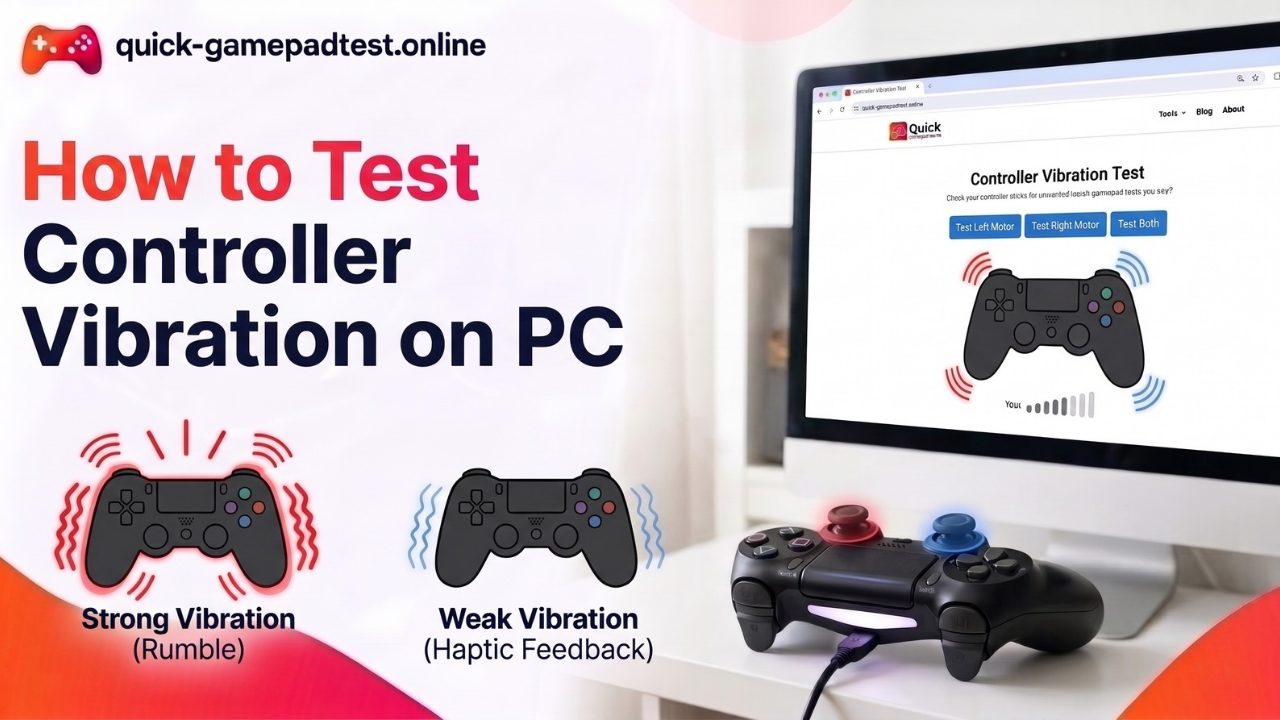
The vibration test fires the rumble motors so players can feel whether haptic feedback works on any pad that supports vibration. It helps separate a dead motor from a game that never asked for rumble. Vibration support varies by browser. MDN labels the vibration property as non-standard, and Can I use lists Firefox as unsupported. When vibration fails in one browser, a second browser is worth a try.
Calibration Check
A calibration check shows whether a stick reaches its full range and returns to center. It also reveals circularity, which describes how smoothly the stick travels around its outer edge. A stick that stops short or draws a squashed shape usually needs attention.
Which Controllers Work With the Tester Online?
Any controller that the browser recognizes as a gamepad can work with the tool. Compatibility depends mostly on the browser and the connection, not on the brand. Most modern gamepads follow the same layout.
Xbox Controller Support
An Xbox controller connects by USB cable or Bluetooth, and the browser usually reads it as a standard layout. That covers the Xbox One controller and the Xbox Series controller. Each specific Xbox layout maps cleanly onto the on-screen view.
PS5, PS4, and PS3 Controller Support
The PS5 DualSense and the PS4 DualShock both work over USB or Bluetooth in most setups. Older PS3 pads can work too when the system recognizes them. Nintendo Switch Pro controllers also appear in many browsers, though button names may differ from the labels printed on the pad.
How to Connect Your Gamepad and Test Your Controller
Connect Your Gamepad by USB or Bluetooth
For USB, plug the cable into the PC and wait a moment. For Bluetooth, pair the pad in the system settings first. Then connect your controller and leave both sticks untouched so the page can read a clean starting position.
Test Your Controller in Chrome or Edge
Open the tester in Chrome or Edge. Press any button so the browser reveals the pad to the page. From there, players can work through each control one at a time. Players who want to test your PS5 pad can follow the same steps with the DualSense.
Explore the Drift Tester and Other Feature Guides
Each feature has its own guide for readers who want more detail.
- Read how Quick Gamepad Test works for the full process.
- See all the tests Quick Gamepad Test offers for every check in one place.
- Learn how the stick drift checker works if a stick moves alone.
- Learn how the vibration tester works to check the rumble motors.
- Read who uses Quick Gamepad Test for real use cases.
- Read whether it is safe and private before connecting a pad.
- Read why players compare it with other gamepad testers.
Is the Tester Online Safe to Use?
Yes. The tool is free to use and needs no install or sign-up. It reads input directly in your browser, and it asks for nothing beyond a connected pad.
FAQs
What does Quick Gamepad Test check on a controller?
Quick Gamepad Test checks buttons, triggers, analog sticks, vibration, and calibration in real time. Players can test buttons one by one and read live controller data such as stick position and trigger travel. It also works as a drift tester for sticks that move without a touch.
Is Quick Gamepad Test free to use?
Yes. Quick Gamepad Test is a free online controller tester. Visitors have nothing to install and no account to create. A player opens the page in a browser, connects a pad, and starts testing.
Is Quick Gamepad Test safe and private?
Quick Gamepad Test runs in the browser and asks for no account or personal details. It reads input through the browser Gamepad API, which works only in secure contexts. That is why the page loads over HTTPS.
Which controllers work with Quick Gamepad Test?
Xbox One and Xbox Series controllers, the PS5 DualSense, the PS4 DualShock, and Switch Pro controllers work in most setups. The standard Gamepad API gives browsers one shared way to read these pads. Button layouts differ slightly from brand to brand.
Which browser works best with Quick Gamepad Test?
Chrome and Edge are the safest picks. Both support the vibration property, while Firefox does not. Gamepad API support is wide across desktop and mobile, so button and stick tests often run in other browsers too.
Why does the page ask for a button press before it shows the controller?
Browsers reveal a connected gamepad only after it sends input. MDN explains that when a pad is already connected as a page loads, the connection event fires once the user presses a button or moves an axis. Pressing any button wakes the tester.
How can a player check stick drift with Quick Gamepad Test?
With the pad connected, the player releases both sticks and watches the X and Y values. Values near zero mean the stick rests properly. Movement with no touch points to drift. A deadzone setting can hide small drift, but a stick that keeps moving may need repair or replacement.
Does Quick Gamepad Test check vibration?
Yes. The vibration controls fire the rumble motors so players can feel the result. The vibration controller test depends on browser support because the vibration property is non-standard. Results can differ from one browser to another.