
Quick Gamepad Test is the top pick for a fast free check because it runs in the browser with no install. Gamepadla leads for latency data, GamepadTester.uk for tracking drift, Game Pad Tester for Windows desktops, and X Gamepad Tester or SensePad for phones. Quick Gamepad Test is the site’s own tool, so the other nine picks rest on public tool pages and independent reviews.
Top 10 Gamepad Testers at a Glance
| Tool | Platform | Best for | What it tests |
| Quick Gamepad Test | Browser | Fast free check | Buttons, sticks, triggers, D-pad, vibration, drift |
| Hardwaretester.com | Browser | Well known all-round check | Buttons, axes, triggers, vibration, stick circularity |
| ControllerTest.io | Browser | Full suite | Drift, dead zones, latency, polling rate, vibration, gyroscope |
| Gamepadla | Browser | Latency data | Latency, polling rate, stick linearity |
| Joypad.ai | Browser | Open source input check | Live inputs, pressure, adapter finder |
| GPadTester.org | Browser | Heatmaps | Four diagnostic modes, trail view, trigger hysteresis |
| GamepadTester.uk | Browser | Drift over time | Buttons, sticks, triggers, CSV drift logs |
| Game Pad Tester | Windows app | Desktop use | Buttons, triggers, thumbsticks, vibration, audio output |
| Mobile apps | Android and iOS | Phones | Live inputs over Bluetooth or OTG |
| Steam Controller Settings | Steam on PC | Cross-check | Calibration, remapping, gyroscope |
What a Good Gamepad Tester Should Check
A gamepad tester reads a controller through the browser’s Gamepad API and shows live values on screen.
Every Input a Controller Test Should Read
Every button should show a clean press and release. Check the face buttons, shoulder buttons and stick clicks one by one. A flicker or a missed press points to a worn contact.
Triggers, Thumbsticks and D-Pad Values
Triggers should move smoothly from 0 to 1. Thumbsticks should rest near 0.00 on both axes. The D-pad should hit all four directions without ghost presses.
Numbers or Dots: Why Readouts Matter
Dots look nice but numbers prove more. A written resting value shows whether a stick is getting worse over the months.
How We Picked the Top 10 Gamepads Testers
The team behind Quick Gamepad Test chose tools that are free to use, need no install, support wired and wireless controller setups, and cover Xbox and PlayStation pads. Each entry also names one honest limit. The team checked the list against [add the controllers you tested].
The 10 Best Gamepad Testers
1. Quick Gamepad Test: Top Pick for a Free Online Gamepad Tester
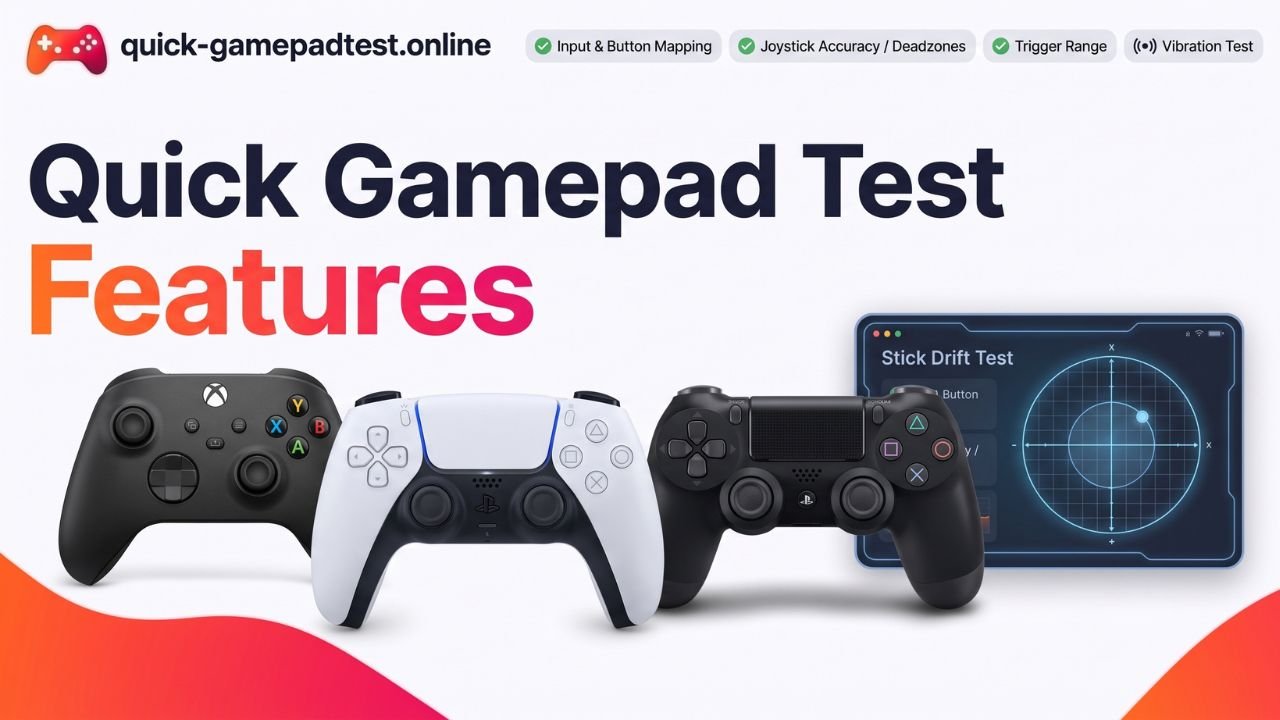
Quick Gamepad Test is a free browser tool with no signup. It checks buttons, sticks, triggers, the D-pad, vibration and stick drift for Xbox, PlayStation and generic pads. It cannot read battery life or run a native Windows scan. It suits anyone who wants a quick answer. The Quick Gamepad Test Features post covers each test.
2. Hardwaretester.com: Best Known Controller Tester
Hardwaretester.com shows button states, analog values, triggers and vibration. Its circularity test traces how far a stick travels. Its latency readout is basic. It suits people who want a plain all-round check.
3. ControllerTest.io: Best Suite for Controller Features
ControllerTest.io covers drift, dead zones, latency, polling rate, vibration and gyroscope. Each test sits on its own page, so a quick check takes more clicks. It suits anyone who wants every diagnostic in one place.
4. Gamepadla: Best for Latency and Published Controller Data
Gamepadla publishes latency, polling rate and stick linearity results for many controller models. It has no vibration test. It suits buyers who want data before they spend money.
5. Joypad.ai: Best Open Source Input Checker
Joypad.ai is an open source checker that reads inputs live and includes an adapter finder. It has no latency test. It suits people who like transparent tools.
6. GPadTester.org: Best for Heatmaps and Trigger Analysis
GPadTester.org offers four diagnostic modes, heatmaps, trail visualization and trigger hysteresis analysis. Those views suit analysis more than a quick button check. It fits players who want to study stick behavior.
7. GamepadTester.uk: Best for Tracking Drift Over Time
GamepadTester.uk exports drift results as CSV logs, so a stick can be compared across sessions. It has no vibration or latency test. It suits anyone building proof for a warranty claim.
8. Game Pad Tester for Windows: Best Desktop App
Game Pad Tester is a Microsoft Store utility that tests buttons, triggers, thumbsticks, vibration and audio output. It works only on Windows and needs an install. It suits desktop users who prefer an app.
9. Mobile Gaming Controller Apps: Best for Android and iPhone
X Gamepad Tester works on Android, while Game Controller Tester Gamepad and SensePad cover iOS. Apps beat mobile browsers here because iOS browsers offer limited Gamepad API support. Quality varies between apps. They suit anyone testing a mobile gaming controller on the go.
10. Steam Controller Settings: Best Cross-Check for Gyroscope and Switch Pro Controller
Steam’s built-in controller settings handle calibration, remapping and motion input. Reviewers such as Coruzant call it the most thorough check for gyro and adaptive triggers. It needs Steam and a PC. It suits Switch Pro and DualSense owners.
Best Controller Tester for Your Controller
Xbox One Controller, Standard Xbox and Xbox Elite
Browser testers read an Xbox One controller or any standard Xbox pad over USB or Bluetooth. For Xbox Elite paddle and button mapping, use the Xbox Accessories app on Windows.
PS5 DualSense and Other Sony PlayStation Controllers
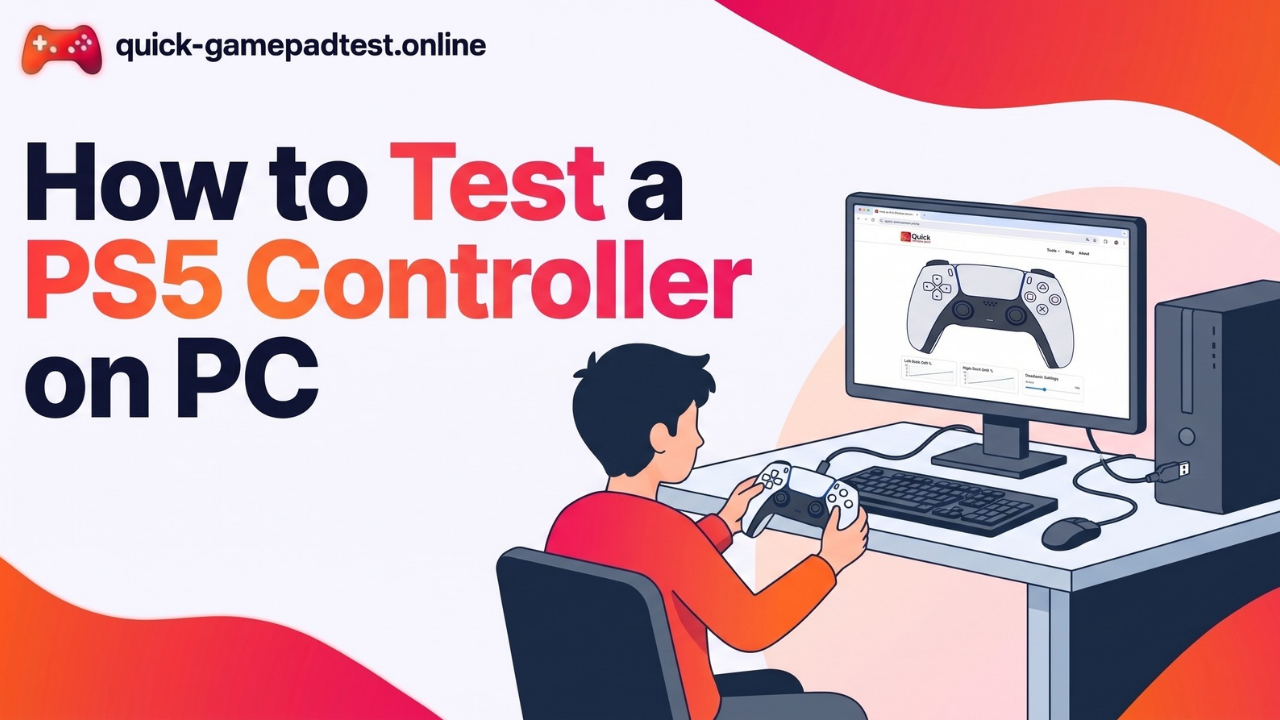
The DualSense reports buttons, sticks and triggers normally, but adaptive triggers will not fully show in a browser. Follow How to Test a PS5 Controller With a Free Online Gamepad Tester or How to Test a PS4 Controller for step by step help.
Nintendo Switch Pro Controller and Nintendo Pads
The Nintendo Switch Pro controller pairs by Bluetooth or USB and reads in most testers. Gyroscope data is the gap, so use ControllerTest.io or Steam.
8BitDo Ultimate, GameSir and Razer Third-Party Controllers
Third-party controllers such as the 8BitDo Ultimate, GameSir pads and the Razer Wolverine V3 Pro often add modes, dongles and back paddles. Test each mode separately because compatibility can change between wired, dongle and Bluetooth.
Pro Controllers and One Controller at a Time
Test one controller at a time so the tester does not mix up two connected pads. Pro controllers with extra buttons need every extra input pressed too.
Hall Effect Thumbsticks: What a Controller Tester Can and Cannot Show
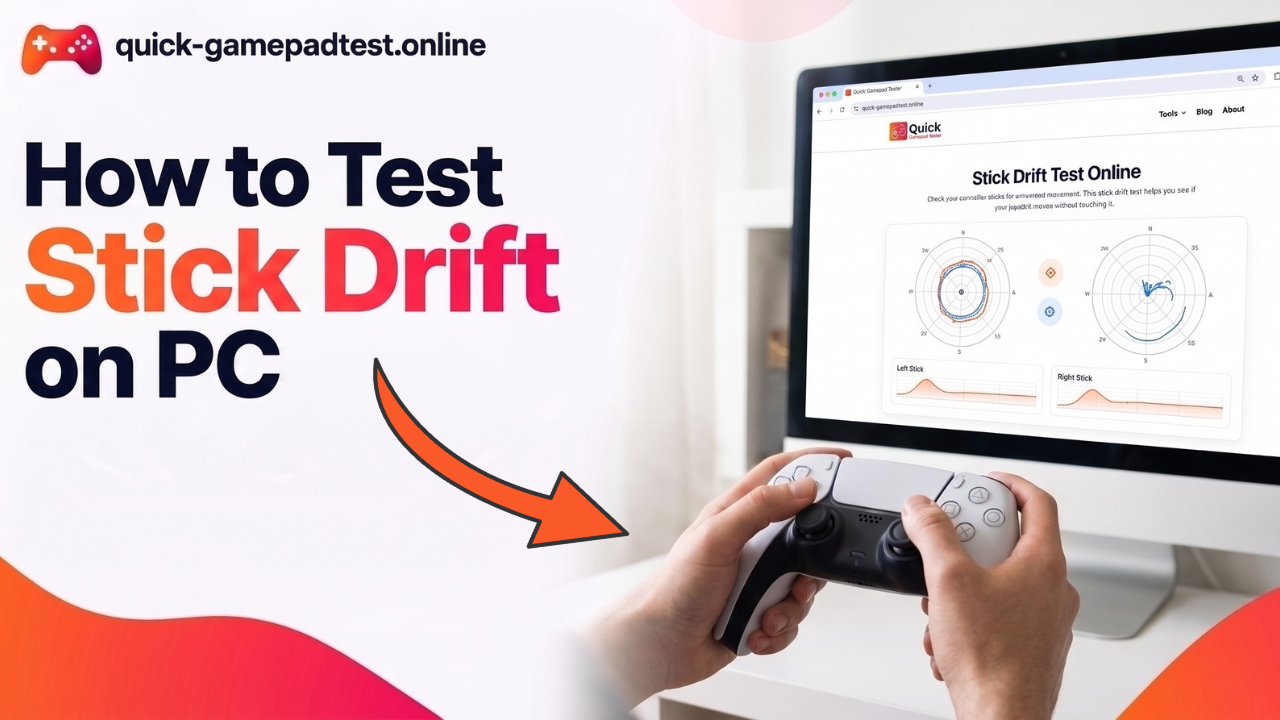
Hall effect thumbsticks use magnets instead of a worn contact track. A tester shows whether a stick rests at zero, but it cannot tell which sensor sits inside. Standard sticks do wear. iFixit’s teardown cited a two million cycle rating for the DualSense stick and estimated failure in four to seven months at two hours of daily play. iFixit argued that console makers should treat joysticks as “consumable parts”. Read How to Test Stick Drift on PC for the full method.
What No Online Gamepad Tester Can Check
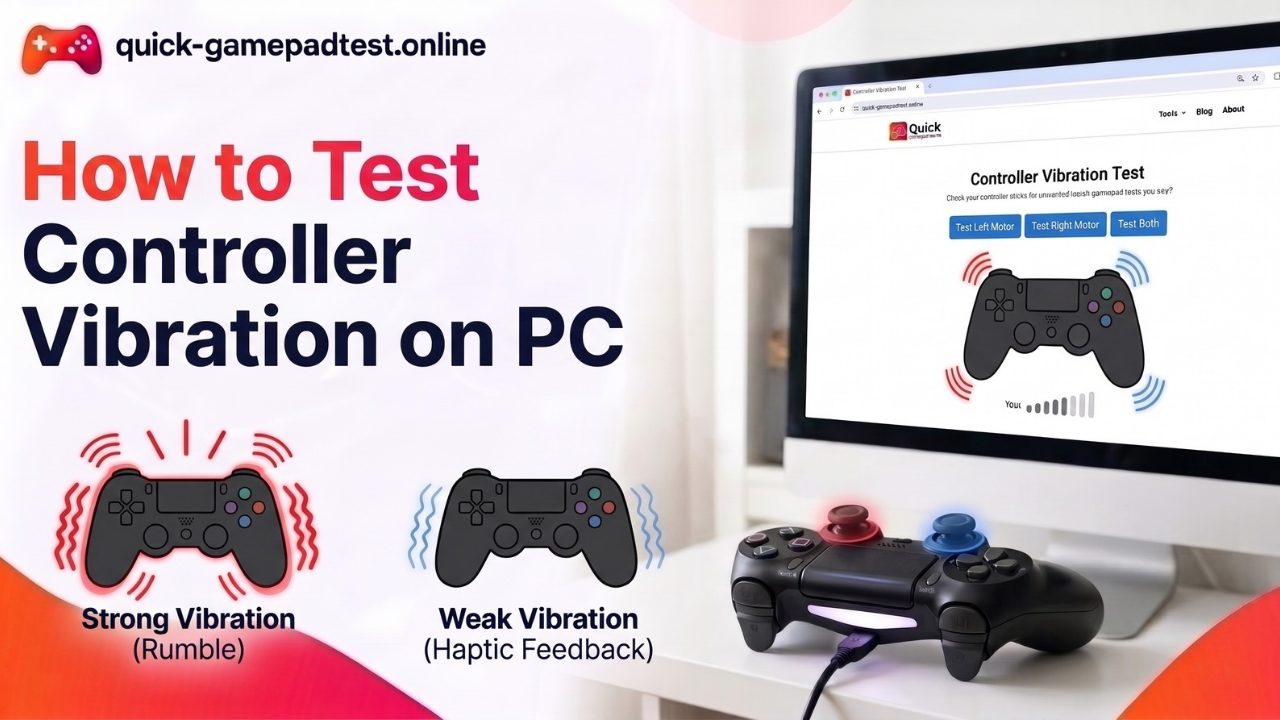
Gyroscope motion, adaptive triggers, battery life and true wireless latency sit outside what a browser reads. Browser latency works best as a comparison between a wired and a Bluetooth run. MDN lists vibrationActuator as non-standard, and Can I use shows no support in Safari on iOS or desktop Firefox. Chrome and Edge give the most dependable rumble test.
How to Run a Controller Test With Any Tool
- Connect the controller by USB or pair it over Bluetooth.
- Open a tester in Chrome or Edge.
- Press any button so the browser wakes the pad.
- Test every button, both sticks, the triggers and vibration.
- Let go of the sticks and write down the resting values.
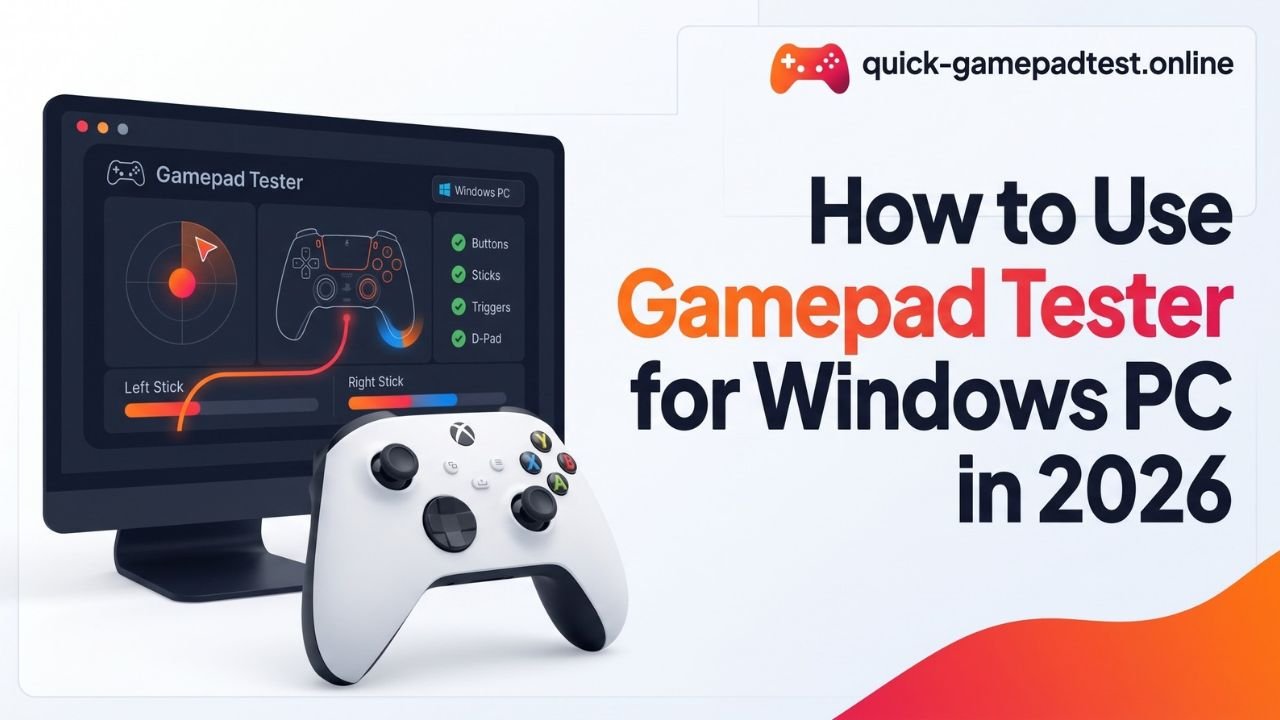
Windows users can follow How to Use Gamepad Tester for Windows PC (Step-by-Step). If nothing shows on screen, read Gamepad Tester Not Working?
When a Controller Feels Wrong: Calibrate, Repair or Replace
Minor drift often clears with calibration or a wider dead zone. A stick that keeps worsening on an out of warranty pad suits a repair or a Hall effect module. A pad under warranty should go back to the maker. Buyers of used or third-party controllers can run this checklist:
- Every button registers once.
- Sticks rest near 0.00.
- Triggers reach both 0 and 1.
- Both vibration motors work.
- Pairing holds and battery life looks fair.
Final Verdict: Which Gamepad Tester Should You Use
- Quick check: Quick Gamepad Test
- Well known all-round check: Hardwaretester.com
- Full suite with gyroscope: ControllerTest.io
- Latency and published data: Gamepadla
- Drift records: GamepadTester.uk
- Windows desktop: Game Pad Tester
- Phone: X Gamepad Tester or SensePad
- Gyroscope cross-check: Steam
Also Read
- How to Test Controller Vibration on PC
- How to Test Stick Drift on PC
- Gamepad Tester Download for PC
- Quick Gamepad Test Features
FAQs
What is the best online gamepad tester?
It depends on the job. Quick Gamepad Test suits quick checks, Gamepadla suits latency data and GamepadTester.uk suits drift records.
Is a gamepad tester safe and free to use?
Most browser testers are free and read inputs on your own device. Check each site’s privacy page before use.
Do I need to download a gamepad tester?
No. Browser testers need no install. Only apps like Game Pad Tester for Windows need a download.
Does a gamepad tester work with PS5, Xbox and Switch Pro controllers?
Yes. Buttons, sticks and triggers read normally. Adaptive triggers and gyroscope data need Steam or a tool that supports them.
Why is my controller not showing up in the gamepad tester?
Press any button first because browsers hide a pad until it sends input. Then try Chrome or Edge, another cable or a fresh Bluetooth pairing.
Can a gamepad tester fix stick drift?
No. A tester only shows the drift. Calibration or a repair does the fixing.
Why does vibration not work in my browser tester?
Browser support varies. Safari on iOS and desktop Firefox lack support, so switch to Chrome or Edge.
Which gamepad tester is best for latency and polling rate?
Gamepadla is built for that job, and ControllerTest.io also tests polling rate and latency. Compare wired and Bluetooth runs.
Can I test a controller on my phone?
Yes. Use X Gamepad Tester on Android or Game Controller Tester Gamepad and SensePad on iOS, ideally over a wired connection.
How often should I test my controller?
Test once when it is new to set a baseline. Then test every couple of months or whenever it feels off.