
Quick Gamepad Test is a free online gamepad tester that checks buttons, analog sticks, triggers, drift, deadzone, vibration and polling rate directly in your browser. A player connects a controller by USB or Bluetooth, presses any button, and live controller data fills the dashboard. No download required.
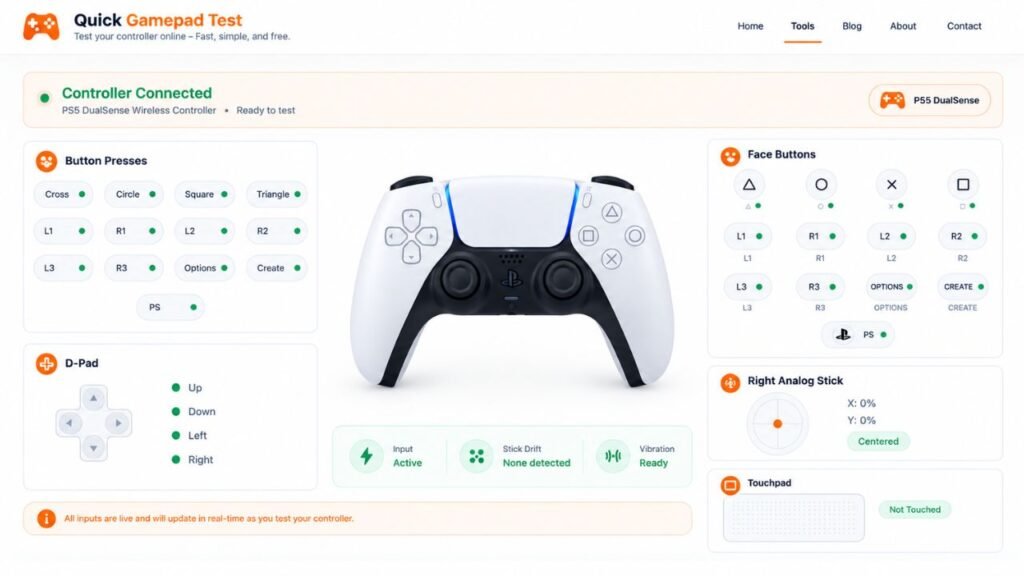
The live tester runs on the homepage. It reads input through the HTML5 Gamepad API, which MDN Web Docs describes as a way to access button presses and axis positions. The W3C Gamepad specification defines the standard gamepad layout most pads follow. Players can browse all controller testing tools in one place or read what is Quick Gamepad Test for the background.
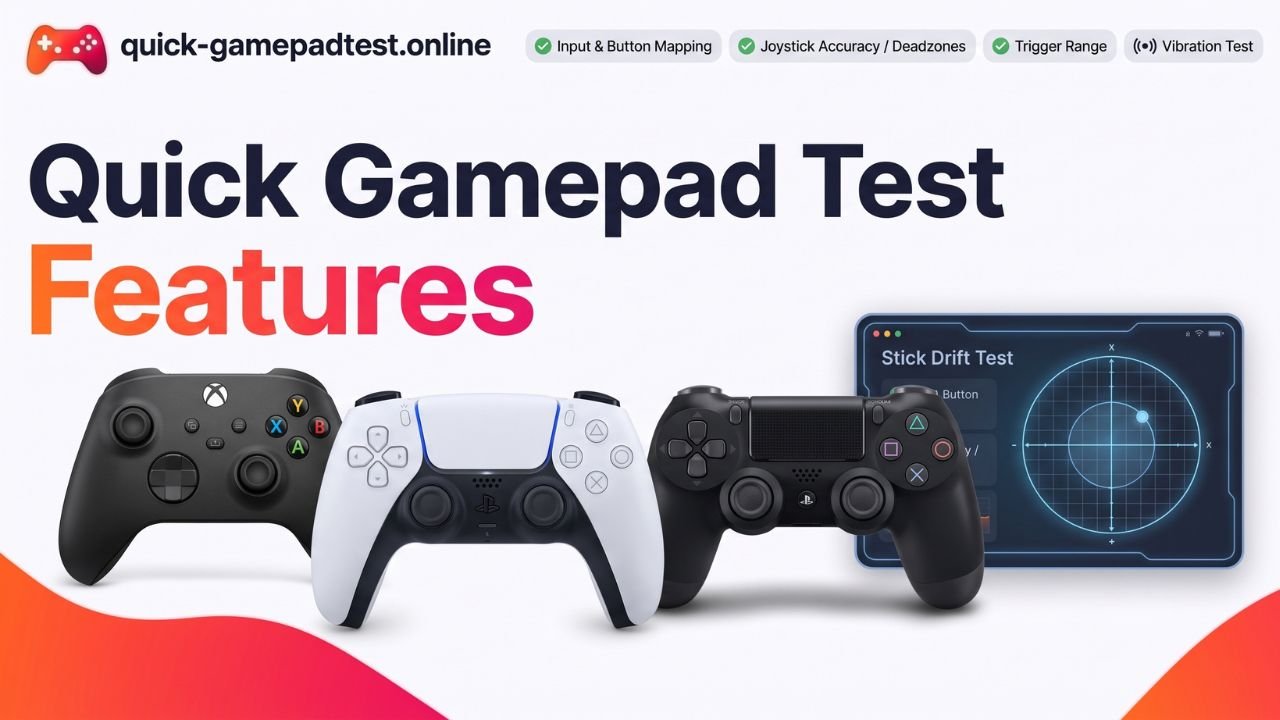
Quick Gamepad Test Features at a Glance
| Feature | What it shows |
| Button test | Whether each button registers as tested or pressed |
| D-pad test | Whether each direction is detected |
| Trigger test | Live values from 0 to 1 |
| Stick readings | X and Y values for both sticks |
| Stick drift check | Movement during a 3 second rest |
| Deadzone checker | Stick offset against an adjustable overlay |
| Circle test | Stick movement during a 5 second circle |
| Dual motor test | Whether the vibration motors respond |
| Polling rate check | Browser reported updates per second |
| Four player slots | Up to four gamepads side by side |
Button, D-Pad and Trigger Tests
Test Buttons: Face, Shoulder and Stick Button Check
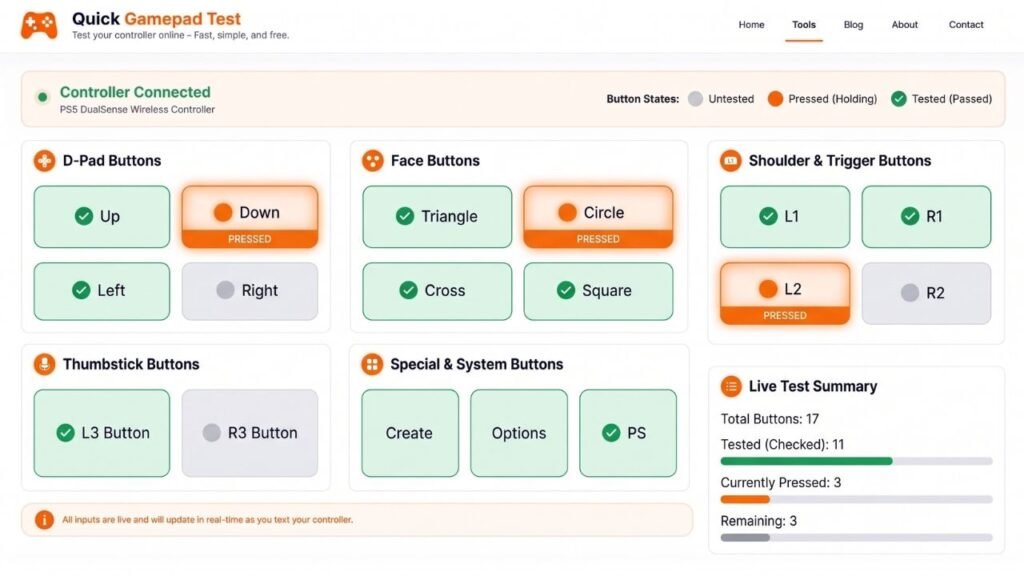
Each face button, shoulder button and stick button lights up while pressed and stays marked as tested afterward. A counter shows how many inputs still need a press. That makes it easy to check buttons on a new controller before the return window closes.
D-Pad Test
Every D-pad direction registers as its own input, so a dead or sticky direction shows up fast. Players press each one in turn and watch the display.
Analog Trigger Test With Live 0 to 1 Values
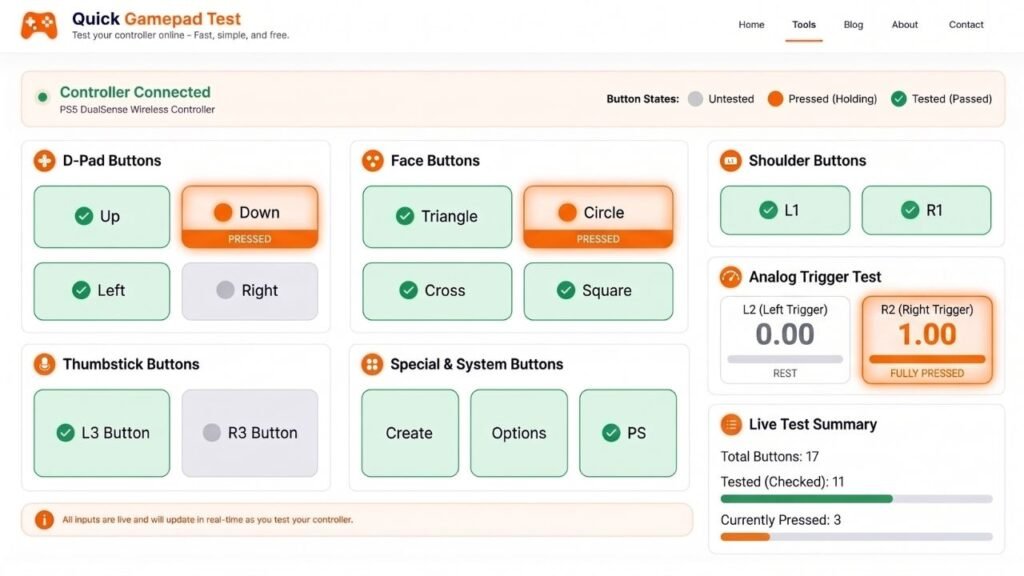
Both triggers report a value from 0 at rest to 1 at full press. A smooth rise looks healthy. Jumps or uneven values deserve a second look.
Analog Stick Tests for Axis Values, Drift and Deadzone
Joystick Readings for the Left and Right Stick
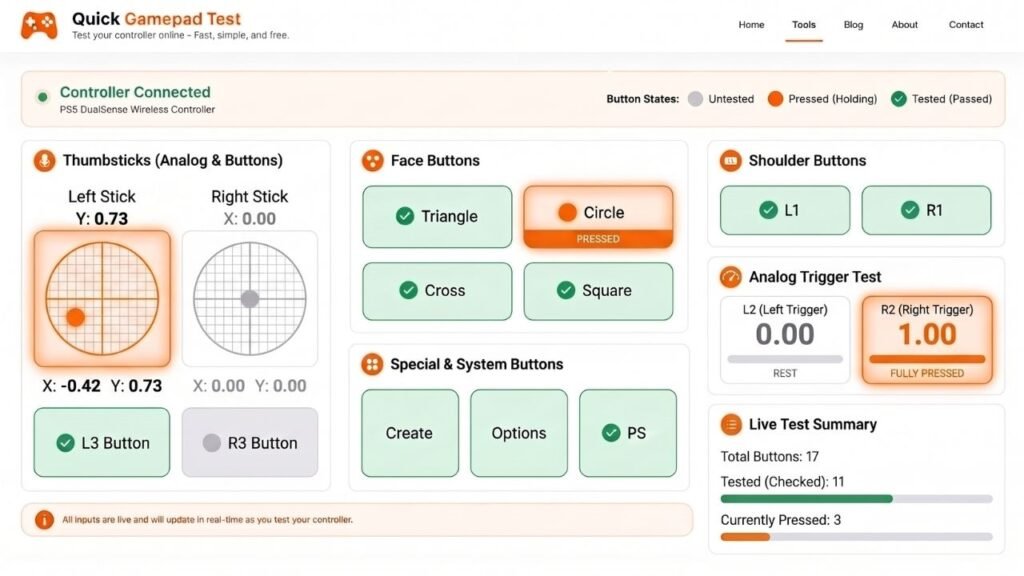
Both sticks show live X and Y values plus magnitude. A centered stick reads close to 0, and one pushed to the edge reads close to 1 or minus 1. Arcade joysticks and flight sticks show the same axis readings.
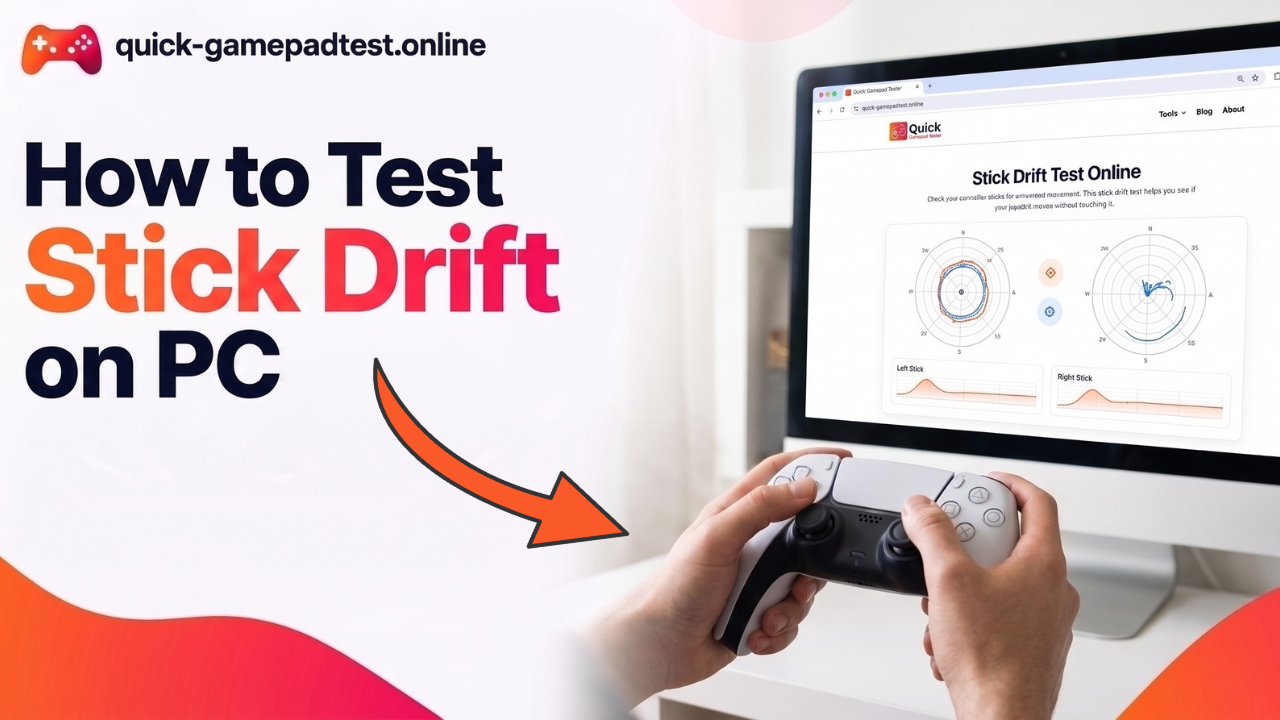
Stick Drift Test With a 3 Second Rest Check
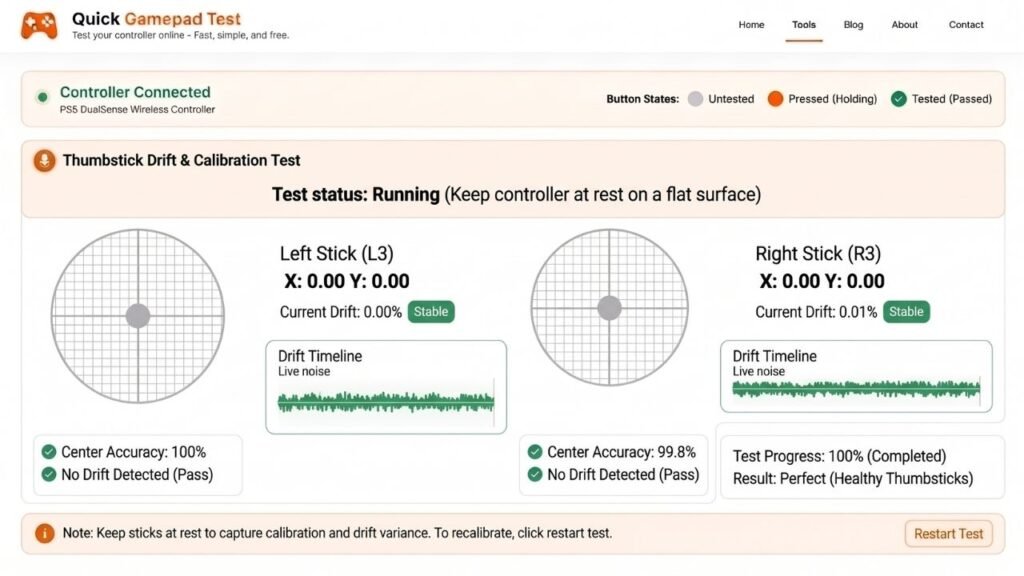
A player lets go of the stick and starts the check. The tool then samples the readings for three seconds. It is a common fault. A 2022 Which? survey of 919 UK Switch owners found that 40% had experienced Joy-Con drift. Which? policy director Rocio Concha said “drift problems continue to plague Nintendo Switch owners.” A drift tester run can confirm the problem before anyone pays for a repair.
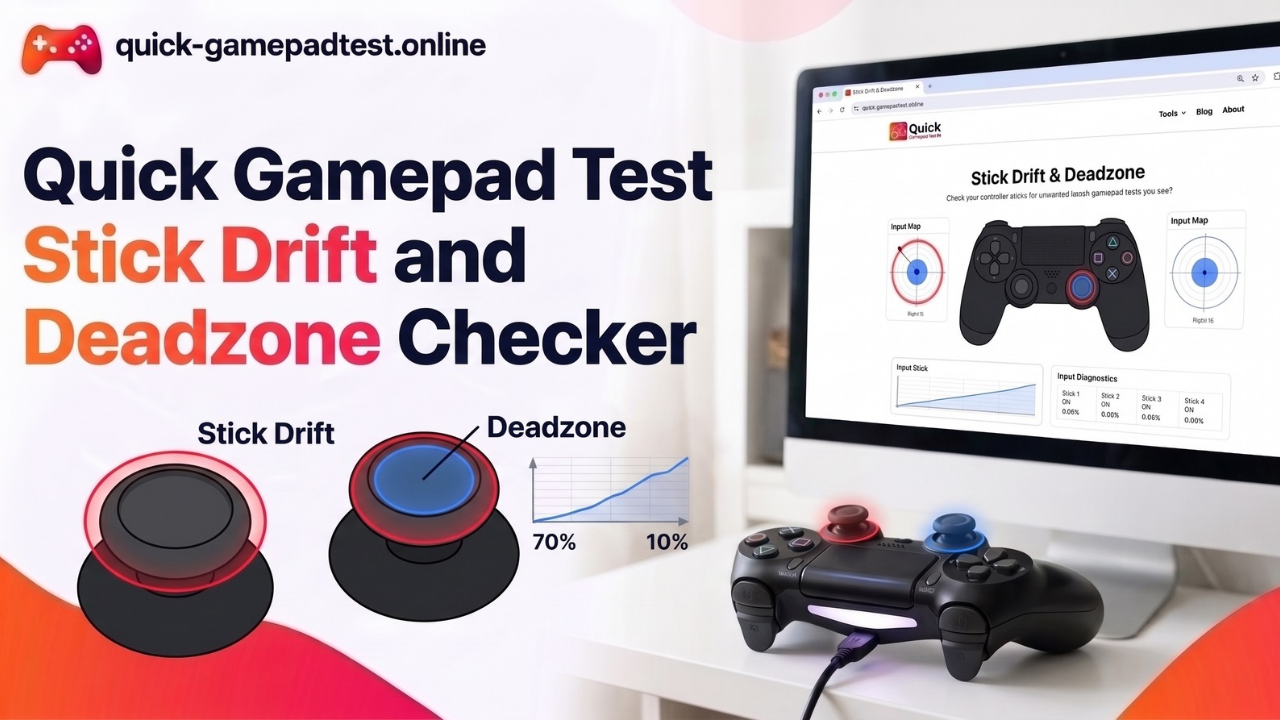
Deadzone Checker With an Adjustable Overlay
An overlay starts at 10% and marks the zone around the center. Readings that stay outside it while the stick rests may signal a fault. A larger deadzone can help mitigate drift in games, though it never replaces calibration or repair. The overlay is only a visual guide, so the raw readings stay unchanged.
Joystick Circularity Test and Full Range Check
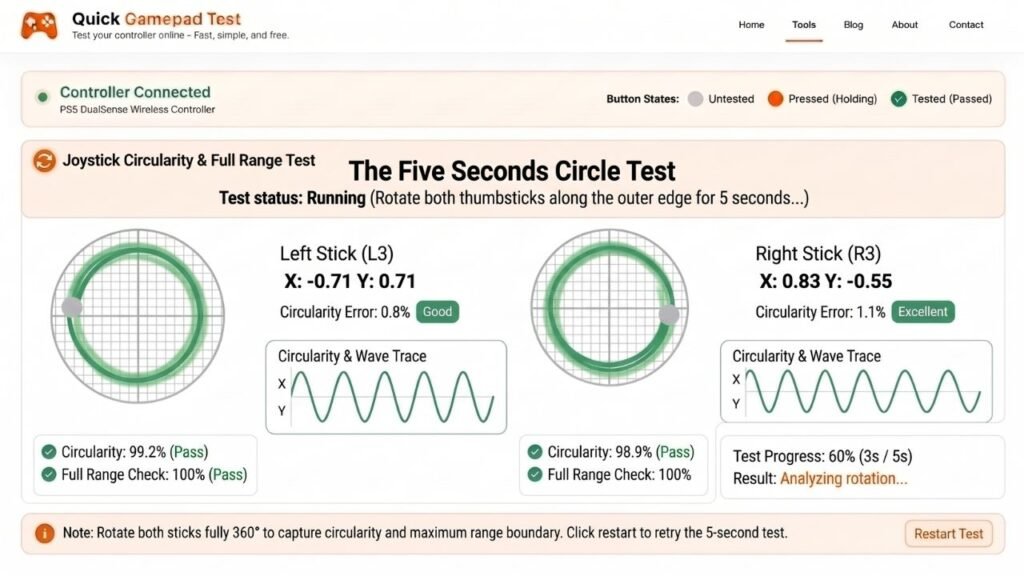
A player rolls the stick in a full circle during a 5 second test. The axis range readings then show how far each direction reaches. Uneven results help spot a stick that feels off near the edges.
Controller Vibration Test and Rumble Features
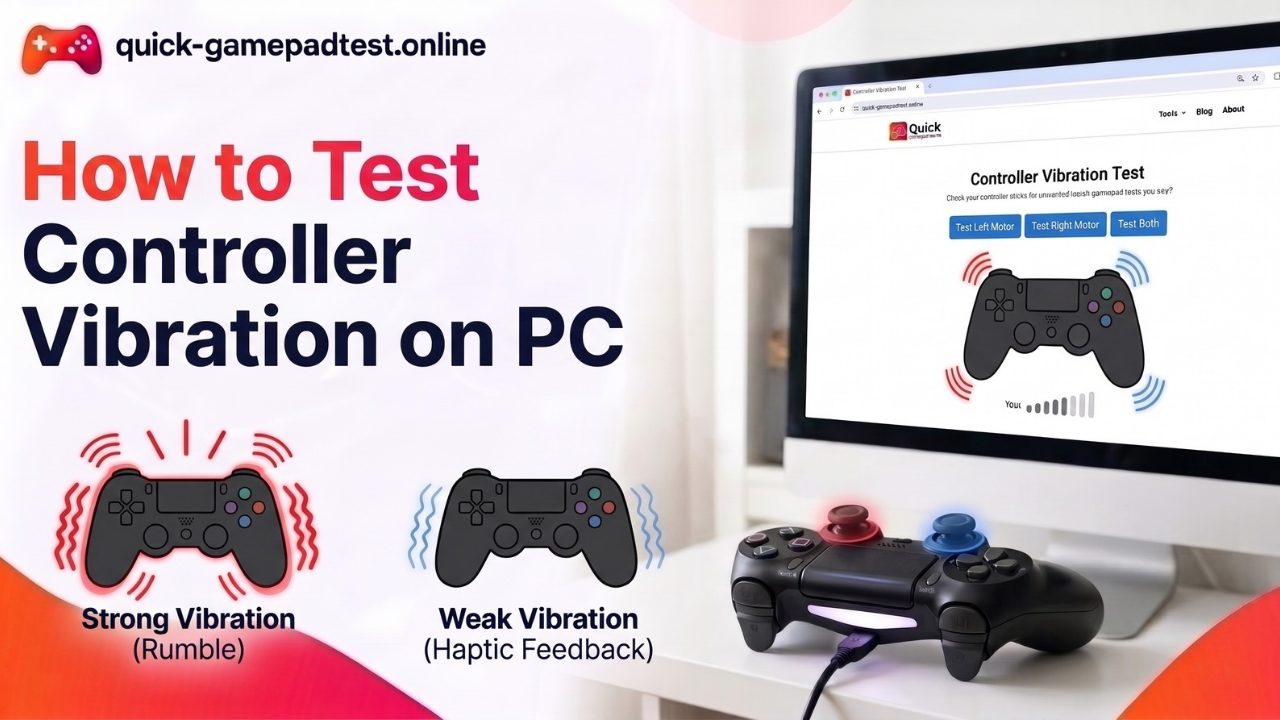
Dual Rumble and Haptic Feedback Test
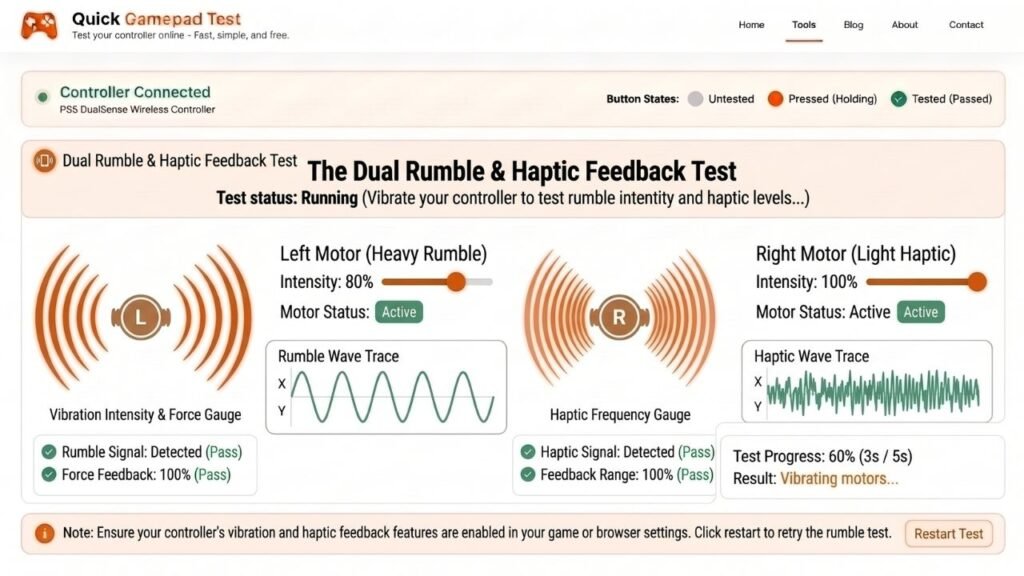
One button sends a signal to the controller motors. If the pad stays silent, the browser, the operating system or the controller may lack vibration support, so a failed test does not always mean broken hardware.
Trigger Rumble Test When Supported
Pads with motors in the triggers can run a separate check. Other controllers skip it.
Polling Rate and Multi Controller Features
Browser Reported Polling Rate and Update Interval
The dashboard shows how many updates per second the browser receives and the time between them in milliseconds. This is not a lab measurement of the controller’s own polling rate, and it does not measure input lag. Connection type and system load can change the numbers.
Test Up to 4 Controllers at Once
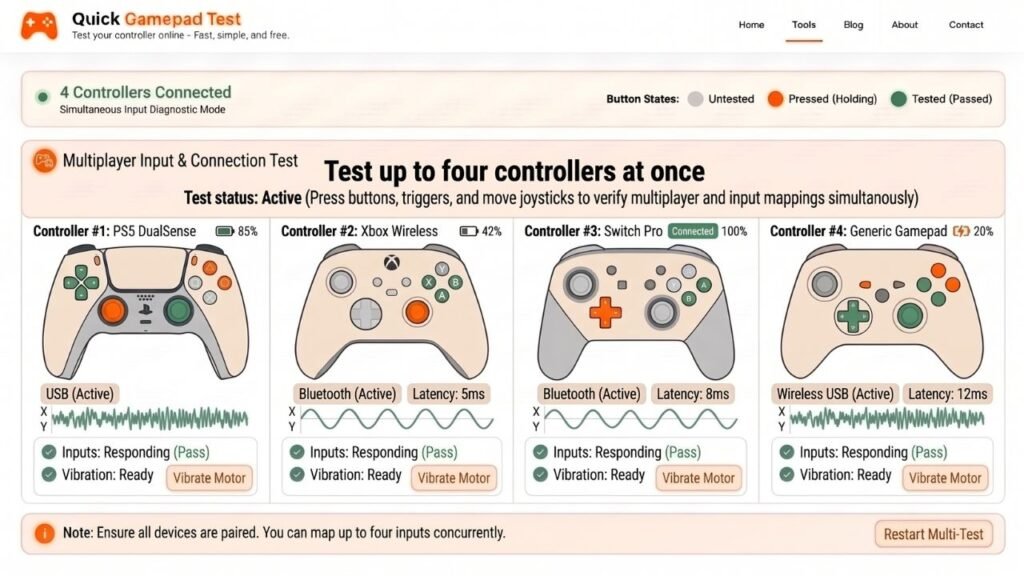
Four player slots let one controller or four sit side by side. Each pad gets its own tab and readings.
Xbox, PS5 and PS4 Testers
Each console family has its own page for specific Xbox and PS5 layouts. Compatibility still depends on Gamepad API support in the browser, the operating system and the connection.
Xbox Pad Support
The Xbox controller tester features cover an Xbox Series controller and Xbox One pads, including buttons, bumpers and sticks.
PS5 DualSense Support
The PS5 DualSense tester checks 18 inputs, including the touchpad button, along with both sticks and L2 and R2 depth.
PS4 DualShock 4 Support
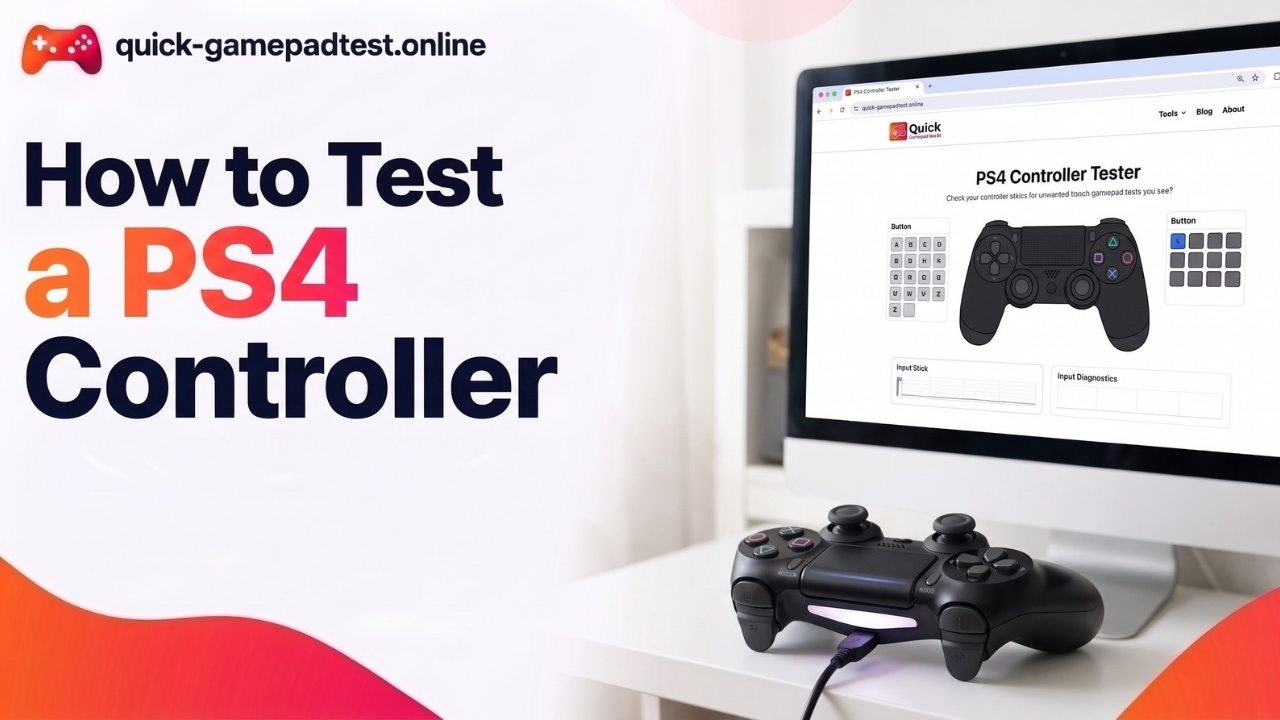
The PS4 DualShock 4 tester covers face buttons, the D-pad, shoulder buttons, L2, R2 and both sticks. A Nintendo Switch Pro controller and generic gamepads also work when the browser detects them.
What Quick Gamepad Test Does Not Check
Gyro and Motion Controls
Gyro and motion controls are not tested.
Adaptive Triggers on DualSense
The tool reads trigger position but does not test the resistance effects. Battery level and firmware are not read either.
Which Test Should You Run First?
A full controller test takes a few minutes, and a quick controller diagnostic can start with the symptom. To test your controller fast, pick the row that matches the problem.
| Problem | Test to run |
| Character moves on its own | stick drift checker |
| Button not responding | controller input test |
| L2 or R2 feels uneven | controller input test |
| No rumble | vibration tester |
| Stick feels uneven at the edges | joystick and flight stick tester |
FAQs
What does Quick Gamepad Test check?
It checks buttons, the D-pad, sticks, deadzone, vibration and the polling rate the browser reports.
Is it a free gamepad tester that needs a download?
It is free, and no download or account is needed. It runs in the browser, so players can use the tester online for PC gaming and console pads.
How does a player connect the controller?
Connect your controller by USB or Bluetooth and press any button. A wired link also helps troubleshoot, since it rules out wireless problems.
Can Quick Gamepad Test measure input lag?
No. It shows browser reported update timing only. That is not a lab measurement of controller polling or total input lag.
Does it check gyro or other advanced DualSense features?
No. It reads how far each trigger travels but does not test the resistance effects, and it does not check gyro or motion controls.
What if vibration fails in the test but works in games?
Games and apps like Steam Big Picture can use their own drivers or input layers. Browser vibration works only when the controller supports vibration and the browser exposes it, so a silent test deserves a second try in another browser.
How many controllers can the tester read at once?
Up to four. Each controller appears in its own player slot with separate readings.
What reading suggests stick drift?
A stick that keeps reporting movement outside the 10% deadzone overlay while it rests may point to a hardware fault. Repeating the 3 second check on both sticks helps confirm it.