
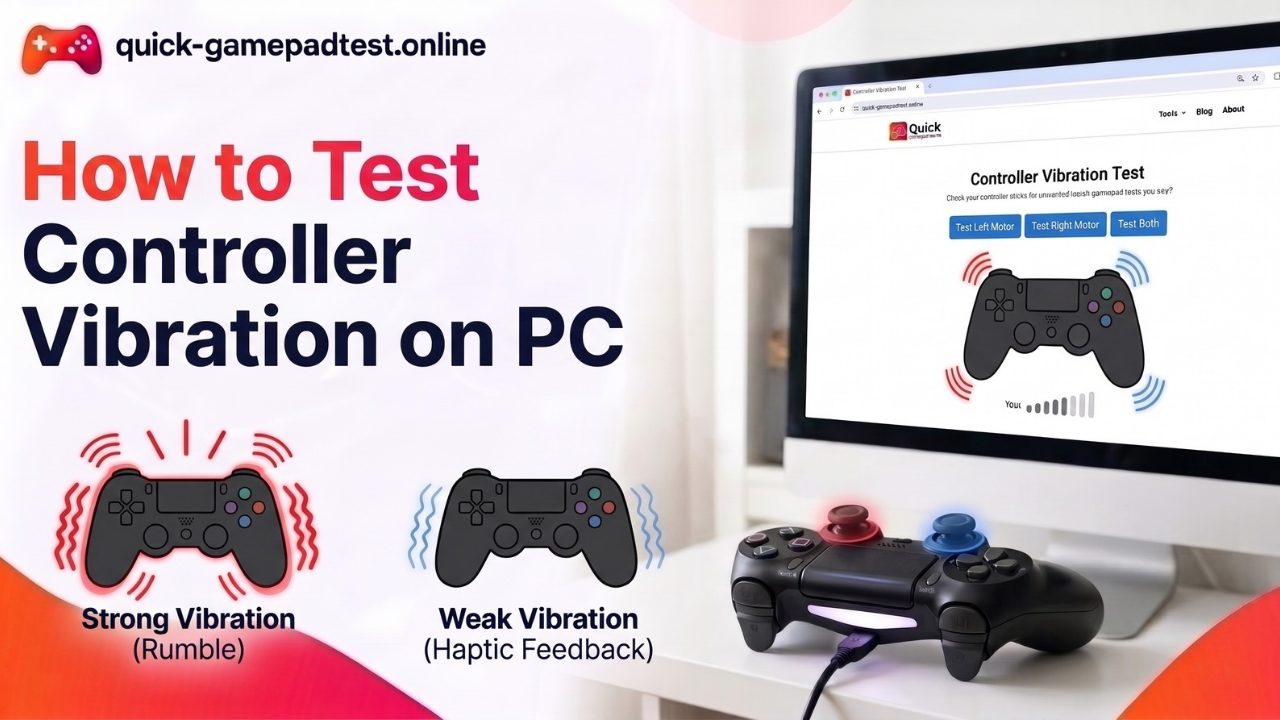
Testing controller vibration on PC takes about a minute. Plug the gamepad in by USB or pair it over Bluetooth, open a gamepad tester in Chrome or Edge, and press any button so the browser detects it. Then fire the left motor, the right motor and both together. A healthy pad gives a clear and steady pulse each time. The free controller vibration test on this site runs all three.
How to Test Controller Vibration on PC With a Gamepad Tester
A browser tester needs no install, so it is the quickest way to test the vibration on any game controller.
Connect the Controller by USB or Bluetooth
USB is the safer start. A wire gives steady power and rules out pairing trouble. Bluetooth works as well, but a weak link can cut a pulse short or drop it. Players should pair the device in Windows first and confirm the system lists it as connected. A wired Xbox 360 pad needs only the cable.
Open the Gamepad Tester in Chrome or Edge
Rumble depends on a browser feature called the vibration actuator. MDN lists it with limited availability, which means not every browser supports it. Chrome and Edge are the safest picks. Firefox and Safari often skip the feature, so silence there says little about the hardware. Once the page loads, a press on any button makes the browser detect the pad. Some browsers hide a connected gamepad until it sends input.
Run the Left, Right and Both Motor Pulses
Most pads carry two motors. The larger left one makes a deep rumble and the smaller right one makes a lighter buzz. MDN describes the same split as strong and weak magnitudes on a scale from 0.0 to 1.0. The Quick Gamepad Test page has a Left Motor Only button, a Right Motor Only button and a Dual Rumble button. It also adds two trigger buttons, preset patterns and a custom option for duration and strength. Run the three motor pulses in order and repeat each one twice, because a single buzz can fool the hands. The logic behind each button is explained in how the vibration tester works.
How to Read the Result: Pass or Fail
Starting the test is easy. Judging it takes more care. The hands need to answer three questions: which side moved, how strong it felt and whether the pulse stopped on time.
What a Passing Controller Feels Like
Each pulse starts right after the click and ends when it should. The left side feels heavy and the right side feels light. Both together feel fuller than either one alone. A second run matches the first.
What a Failing Controller Feels Like
A failing pad skips a motor, buzzes weakly, stutters or keeps going after the pulse ends. Silence on both sides points to the browser or the connection first and the hardware last.
| Result | What the hands feel | What it means |
| Both motors work | Deep rumble on the left, light buzz on the right, a full pulse on both | Vibration passes |
| One motor silent | Only one side moves | A loose internal link or a dead motor. Retest by wire before blaming the motor |
| Weak or uneven pulse | Strength changes between runs | Low battery, a Bluetooth dropout or a worn motor |
| No vibration | Nothing on any test | Browser, connection or driver issue first. A hardware fault only after those are cleared |
| Constant vibration | The pad keeps buzzing after the pulse ends | Software stuck on. Unplug, restart and retest. A repeat points to hardware |
Test Controller Vibration on Windows 11 and Windows 10
Windows handles pads a little differently in each version, so the steps differ.
Windows 11 Steps
Pair a Bluetooth pad under Settings, then Bluetooth & devices, then Add device. For an Xbox pad, install the Xbox Accessories app from the Microsoft Store, select the pad and open Configure. Vibration must be switched on there. A Microsoft Q&A answer that came from the Microsoft support community shows the same path. After that, the browser test can start.
Windows 10 Steps
Pair the pad under Settings, then Devices, then Bluetooth & other devices. The Accessories app works the same way. The same Microsoft answer notes that a standard Xbox pad offers only an on or off option, and strength sliders need an Elite pad. PlayStation and Nintendo Switch pads often need the Steam Input setting inside Steam before rumble reaches games.
Controller Vibration Not Working in the Tester? Check This First
When vibration doesn’t work in the tester, a short checklist saves time before anyone blames the hardware.
Browser Does Not Support Vibration
Switch to the latest version of Chrome or Edge and reload the page. Close other tabs or apps that hold the pad. Then press any button again so the browser can detect it.
Controller Connection and Wireless Adapter Problems
Try a data cable in another USB port, since some cables only charge. A loose dongle or a low battery can weaken Bluetooth pulses. A wired test separates connection faults from motor faults.
Driver and Input Mode Problems
Some third party pads have a mode switch between XInput and DirectInput, and rumble often works in only one of them. Windows installs drivers automatically in most cases, but a stale one can block rumble. Remove the device in settings, connect it again and update the firmware if the maker offers it.
Why a Controller Vibrates in the Tester but Not in Games
A pass in the tester proves that the hardware and the browser link work. It does not prove that a game uses them. The in-game setting comes first, because many titles bury a rumble toggle in the controls menu. Some games never support vibration at all, so the store page or the technical support notes are worth a look. Steam Input can also take over the pad and block rumble when its per game setting is off.
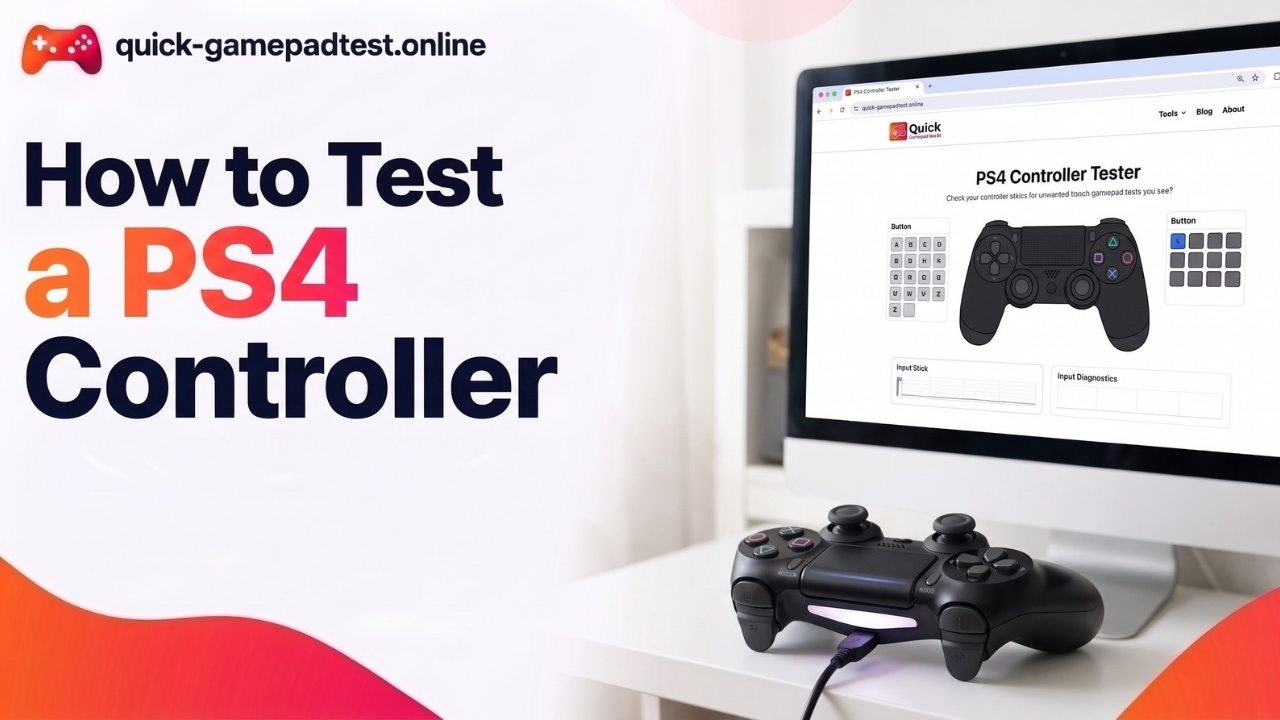
The DualShock 4 adds one more cause. Many PC games expect an Xbox style XInput pad, so a DualShock 4 often needs Steam Input or a wrapper tool such as DS4Windows to rumble in games. Most PS4 controller owners run into this one. If the tester passes, replacing the pad is rarely the answer. Keyboard and mouse can cover play while the setting gets fixed.
Test Controller Vibration by Controller Type
Each pad family behaves in its own way.
Xbox Controller
Xbox pads are the easiest on PC because games expect them. The Accessories app also handles firmware updates. The Xbox controller vibration test guide covers wired and wireless cases and the impulse triggers on Xbox One pads.
PS5 DualSense Controller
The DualSense has richer haptics than a basic rumble. A browser test checks the standard pulse and skips adaptive triggers. The PS5 controller vibration test guide explains what to expect and what the browser cannot show.
PS4 DualShock 4 Controller
The DualShock 4 rumbles in a browser tester but may stay silent in games without Steam Input. The PS4 controller vibration, motion sensor and speaker guide covers the extra hardware inside the pad.
Do You Need a Controller Vibration Tester Download?
Usually no. A browser tool is easy to use because it has nothing to install and nothing to update, and it runs on any computer with a current Chrome or Edge. The weak point is reach. A browser sees only what it exposes, so deeper trigger rumble may not appear. Desktop software talks to the pad through XInput and can reach impulse triggers on some Xbox pads, but it costs an install and one more app to trust. Free tester apps in the Microsoft Store fit that role for a user who wants the extra detail.
Controller Diagnostics: Where Vibration Fits in a Full Gamepad Check
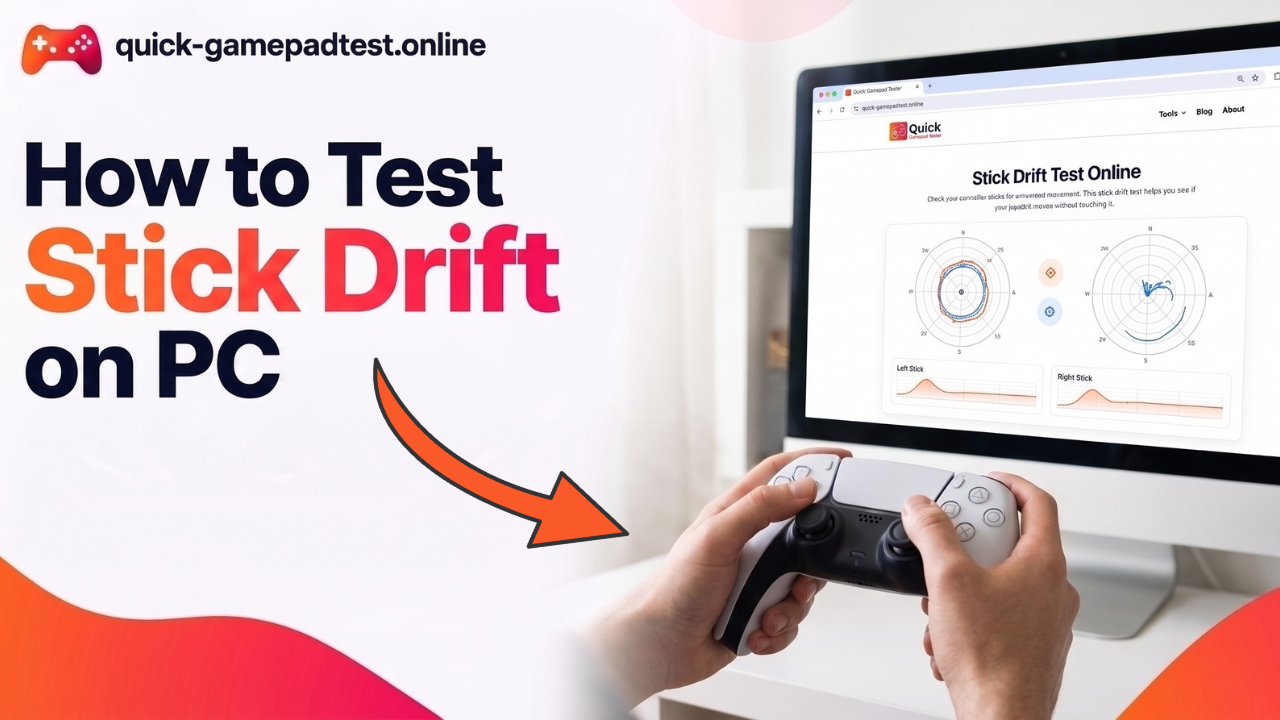
Vibration is one function among several. Full controller diagnostics also cover buttons, triggers, analog sticks and drift. The guide to using a gamepad tester on Windows PC walks through the whole run. The controller input test shows live data in real time, and the stick drift test handles drifting sticks. A quick note on how each motor felt when the pad was new makes later changes easier to spot.
FAQs
How to test controller vibration on PC Windows 11?
Connect the pad by USB or Bluetooth, open a browser tester in Chrome or Edge and press any button. Run the left, right and dual pulses. Xbox owners can also open the Xbox Accessories app to confirm that vibration is switched on.
How to test controller vibration on PC Windows 10?
The steps match Windows 11. Pair the pad under Bluetooth & other devices, then open the browser tester and run the three pulses. A standard Xbox pad offers only an on or off vibration option in the Accessories app.
Is there a free gamepad vibration test online?
Yes. Quick Gamepad Test runs in the browser with no download. It works with any pad the browser detects and that exposes rumble.
How can a PS4 controller be tested for vibration on PC?
Connect it by USB, open the browser tester and run the pulses. If it rumbles there but not in games, turn on Steam Input or use a wrapper tool such as DS4Windows.
Why is a controller not vibrating on PC?
Common causes include an unsupported browser, a weak Bluetooth link, vibration switched off in the game or the Accessories app, and a wrong input mode. A wired retest in Chrome or Edge is the best first step.
Can a vibration test damage a controller?
No. Short pulses are no harder on the motors than normal play. Long full strength runs add wear, so a few seconds per motor is enough.